
Back to search
 4.7
4.7
 4.5
4.5
Web-design · Editor's pick · Affiliate partner
Coolors
coolors.co
4.8/ 5
Lightning-fast color palette generator that helps designers and creators quickly find, refine, and export harmonious color schemes for any project.
Visit Coolors
Some links are affiliate links. We may earn a commission at no extra cost to you.
Who it's for
Coolors is for designers, marketers, and developers who need to quickly find professional color schemes for brands, websites, and campaigns. It works well for freelancers, small teams, and students who want an easy way to explore color theory without complex software. If you often build presentations, social media visuals, or product UI, it gives you a fast starting point for consistent, on-brand colors.
Not for you if: You need enterprise-level brand governance, multi-user approval workflows, or deep integration into large design systems beyond simple palette exports. You also might want to skip it if you rarely design visuals and only need a single fixed brand palette.
How it works
Three steps to get started
- 1
Generate a starting palette
Go to Coolors, hit the spacebar, and let the generator produce new combinations until you see a palette that feels close to your project’s mood.
- 2
Lock and tweak colors
Lock any colors you like, adjust individual hues, brightness, and saturation, and keep regenerating to refine the remaining swatches around your locked choices.
- 3
Explore and organize palettes
Browse popular, logo, shades, and gradient palettes, save your favorites into collections or projects, and pick colors from images to align with existing brand visuals.
- 4
Export for design and dev
Export palettes in formats such as PDFs or code-friendly outputs (e.g., CSS variables), then paste them into your design tools, websites, or presentations.
Key features
What stood out in our review
- +Super fast palette generation with spacebar and lock controls for fine-tuning colors.
- +Access to 10M+ ready-made color schemes across logos, gradients, shades, and more.
- +Tools for picking colors from images and building collages to visualize designs.
- +Export palettes to popular formats for designers and developers (PDF, CSS, code-friendly exports).
- +Free tier to generate palettes with limited saved collections, plus affordable Pro plan for unlimited saves and features.
- +Browser-based tool that works on any device without installation.
Pricing snapshot
Typical plans — check the official site for current offers
Free
$0
Generate palettes with most features; save up to around 10 palettes, ads displayed, limited export and organization options.
Coolors Pro
Approximately $3/mo
Unlimited saved palettes, ad-free experience, advanced PDF and code exports, more projects and collections, plus enhanced profile options.
Pros & cons
Honest take from TOOLQZ
Pros
- +Extremely fast and simple to use, with an intuitive spacebar-based generator.
- +Huge library of ready-made palettes and gradients for instant inspiration.
- +Useful tools like image color picking and collages to see colors in context.
- +Free plan covers core generation features, making it accessible to most users.
- +Affordable Pro subscription that adds unlimited saved palettes and advanced export options.
- +Browser-based and independent of any specific design suite, so it fits into many workflows.
Cons
- −Free tier limits how many palettes you can save, pushing frequent users toward Pro.
- −Pricing and feature details for Pro are not always prominently listed or fully broken down on the main site.
- −No built-in team collaboration or brand management features beyond organizing palettes.
- −Relies on external tools (Figma, Photoshop, code editors) for real design work once colors are chosen.
FAQ
Common questions before you sign up
Yes, Coolors offers a free tier that lets you generate palettes and use most tools, with limits on saved palettes and some advanced features.
Why TOOLQZ recommends it
Coolors is an online color palette generator that lets you create, browse, and save color schemes in seconds using a simple spacebar-based interface. It offers over 10 million ready-made palettes, tools for gradients, collages, and color picking from images, plus export options tailored to design and dev workflows. The free version covers core generation features, while the Pro subscription unlocks unlimited saved palettes, ad-free usage, and advanced export and organization tools.
- →Super fast palette generation with spacebar and lock controls for fine-tuning colors.
- →Access to 10M+ ready-made color schemes across logos, gradients, shades, and more.
- →Tools for picking colors from images and building collages to visualize designs.
- →Export palettes to popular formats for designers and developers (PDF, CSS, code-friendly exports).
- →Free tier to generate palettes with limited saved collections, plus affordable Pro plan for unlimited saves and features.
- →Browser-based tool that works on any device without installation.
Last reviewed by TOOLQZ: June 28, 2026
Visit Coolors
Some links are affiliate links. We may earn a commission at no extra cost to you.
Tags
#color palette#design tool#branding#UI UX#web design
More in Web-design
Aceternity UI
ui.aceternity.com
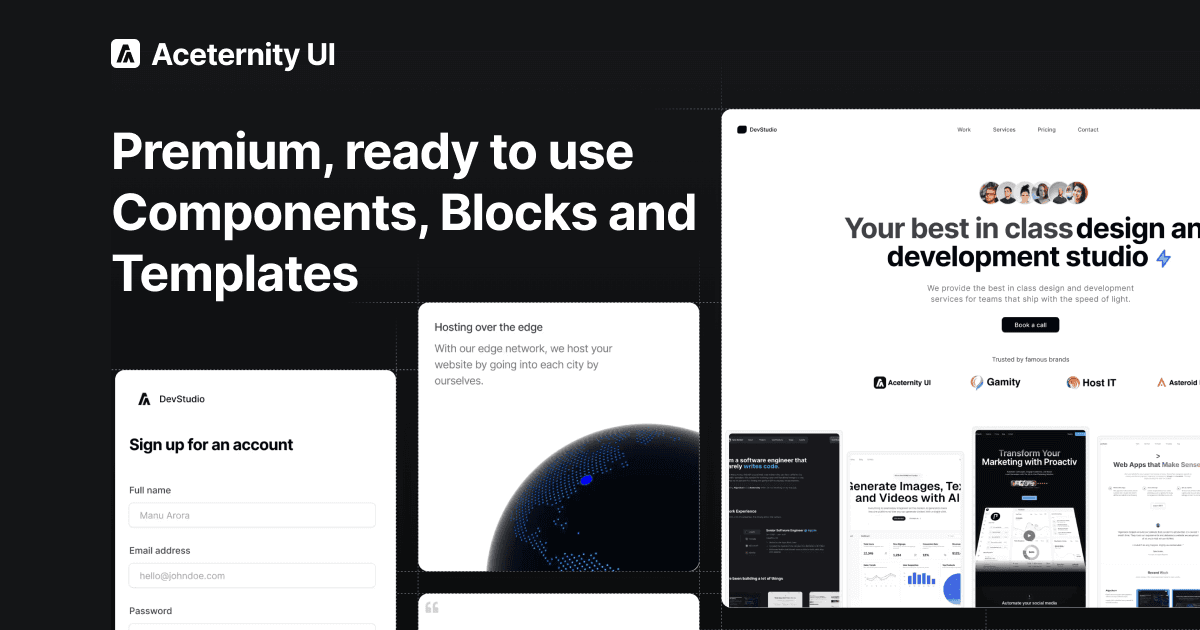
Copy-paste beautiful UI components built with React, Next.js, Tailwind CSS, and Framer Motion. 200+ free components, blocks, and templates.
Web-design·Free Components: Free
Jul 2026Visit
Componentry
componentry.dev
Beautiful, animated, copy-paste React UI components built with Tailwind CSS, TypeScript, and Framer Motion. Free and open-source.
Web-design·0$
Jul 2026Visit
Ready to try Coolors?
We tested Coolors so you can decide with confidence before signing up.
Visit Coolors
Some links are affiliate links. We may earn a commission at no extra cost to you.