
Back to search
 4.7
4.7
 4.5
4.5
Web-design · Editorial recommendation
Skiper UI
skiper-ui.com
4.2/ 5
Skiper UI provides uncommon components designed to extend shadcn/ui for Next.js projects. It offers a collection of components that can be easily integrated using the shadcn CLI 3.0, focusing on ease of use and editing.
Visit Skiper UI
We recommend this tool based on our review — we are not an affiliate partner.
Who it's for
Developers and designers working with Next.js and shadcn/ui who are looking for unique, pre-built, and easily integratable UI components to accelerate their development process.
Not for you if: You are not using Next.js or shadcn/ui, prefer to build all UI components from scratch, or require components for a different frontend framework.
How it works
Three steps to get started
- 1
Install via CLI
Use the `npx shadcn add @skiper-ui /skiper40` command to integrate Skiper UI components into your project.
- 2
Add Components
Utilize the shadcn CLI to add specific Skiper UI components to your Next.js application as needed.
- 3
Integrate and Customize
Incorporate the added components into your project, leveraging their single-file structure for ease of use and editing.
Key features
What stood out in our review
- +Offers uncommon UI components for shadcn/ui.
- +Integrates seamlessly with shadcn CLI 3.0.
- +Provides over 105 unique components.
- +Components are single files with no extra package dependencies.
- +Supports Next.js projects.
- +Includes both free and premium component options.
- +Premium purchases offer lifetime updates.
Pricing snapshot
Typical plans — check the official site for current offers
Free
$0
Access to a selection of free components.
Premium
$129
One-time payment for all Premium components, early access, component requests, free lifetime updates, and a Skiper pro badge.
Exclusive
$549
One-time payment for all Premium components, early access, component requests, free lifetime updates, Skiper pro badge, Figma file (Coming Soon), and Full Website templates (Coming Soon).
Pros & cons
Honest take from TOOLQZ
Pros
- +Expands the component library for shadcn/ui with distinctive designs.
- +Simple integration process using the familiar shadcn CLI.
- +Components are self-contained in single files, avoiding dependency bloat.
- +A large selection of over 105 components is available.
- +Premium tiers offer a one-time payment model with lifetime updates.
- +Designed to be easy to edit and customize.
Cons
- −Exclusively tied to shadcn/ui and Next.js, limiting its applicability to other tech stacks.
- −Higher-tier features like Figma files and full website templates are listed as 'Coming Soon' without an immediate release date.
- −The free component offering is not explicitly detailed in terms of quantity or specific components.
- −The premium pricing can be a significant upfront investment for some users.
- −Limited information on advanced customization options or theming capabilities in the provided text.
FAQ
Common questions before you sign up
Skiper UI offers a collection of uncommon UI components designed to extend shadcn/ui for Next.js projects, providing developers with unique and easily integratable elements.
Why TOOLQZ recommends it
Skiper UI is a resource for developers seeking unique and advanced UI components to enhance their Next.js applications built with shadcn/ui. It boasts over 105 components, each designed to be integrated without additional package dependencies, simplifying project setup. The platform offers both free and premium components, with premium tiers providing lifetime updates and early access to new features.
- →Offers uncommon UI components for shadcn/ui.
- →Integrates seamlessly with shadcn CLI 3.0.
- →Provides over 105 unique components.
- →Components are single files with no extra package dependencies.
- →Supports Next.js projects.
- →Includes both free and premium component options.
- →Premium purchases offer lifetime updates.
Last reviewed by TOOLQZ: July 4, 2026
Visit Skiper UI
Some links are affiliate links. We may earn a commission at no extra cost to you.
Tags
#shadcn/ui#next.js#ui components#frontend development#developer tools#react
More in Web-design
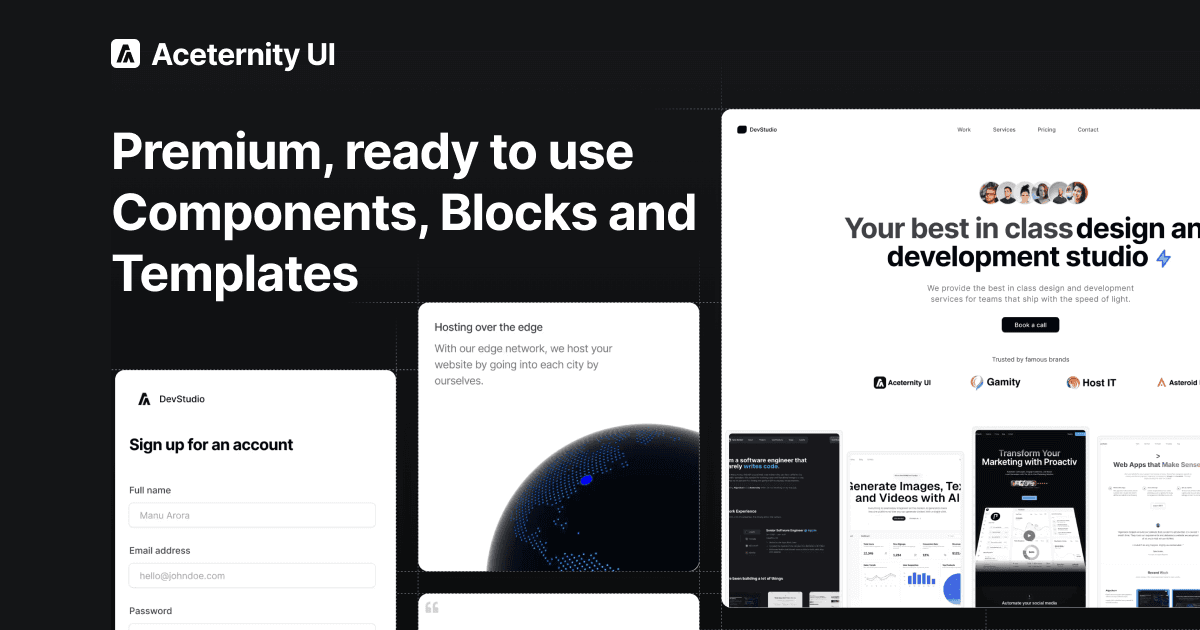
Aceternity UI
ui.aceternity.com
Copy-paste beautiful UI components built with React, Next.js, Tailwind CSS, and Framer Motion. 200+ free components, blocks, and templates.
Web-design·Free Components: Free
Jul 2026Visit
Componentry
componentry.dev
Beautiful, animated, copy-paste React UI components built with Tailwind CSS, TypeScript, and Framer Motion. Free and open-source.
Web-design·0$
Jul 2026Visit
Ready to try Skiper UI?
We tested Skiper UI so you can decide with confidence before signing up.
Visit Skiper UI
Some links are affiliate links. We may earn a commission at no extra cost to you.