
Back to search
 4.7
4.7
 4.5
4.5
Web-design · Editorial recommendation
Vibe UI
vibeui.studio
4.5/ 5
Premium UI components, generated in seconds
Visit Vibe UI
We recommend this tool based on our review — we are not an affiliate partner.
Who it's for
Developers and designers looking for AI-generated UI components to quickly build interfaces. Individuals seeking various design styles for their projects to accelerate their workflow.
Not for you if: Users who require highly customized or hand-coded UI from scratch without AI assistance. Those looking for a full-fledged design suite with extensive editing capabilities rather than component generation.
How it works
Three steps to get started
- 1
Select Design Style
Choose from a range of aesthetic styles such as Minimalist, Industrial, Cyber, Glass, Brutalist, Organic, or Neon to guide the AI generation.
- 2
Generate UI Components
Utilize the platform's AI, powered by Gemini, to instantly create UI templates and components based on your selected style.
- 3
Integrate into Projects
Obtain the generated premium UI components for seamless integration and use within your web or application development projects.
Key features
What stood out in our review
- +AI-generated UI templates
- +Premium UI components
- +Templates generated in seconds
- +Multiple design styles (Minimalist, Industrial, Cyber, Glass, Brutalist, Organic, Neon)
- +Designs generated by Gemini AI
Pricing snapshot
Typical plans — check the official site for current offers
Pros & cons
Honest take from TOOLQZ
Pros
- +Rapid UI component generation
- +Access to premium UI components
- +Variety of design styles available
- +Leverages AI for design creation (Gemini)
- +Potentially speeds up development workflows
Cons
- −Limited information on customization options
- −No details on integration with existing design tools
- −Pricing information not available in research
- −Specific feature set beyond 'templates' and 'components' is unclear
- −No user reviews or testimonials provided
FAQ
Common questions before you sign up
VibeUI is a platform that offers AI-generated UI templates and premium UI components, designed to help users quickly create user interfaces.
Why TOOLQZ recommends it
VibeUI offers AI-generated UI templates and premium UI components, designed to be created in seconds. It provides various design styles for building user interfaces, leveraging Gemini AI for its generation capabilities.
- →AI-generated UI templates
- →Premium UI components
- →Templates generated in seconds
- →Multiple design styles (Minimalist, Industrial, Cyber, Glass, Brutalist, Organic, Neon)
- →Designs generated by Gemini AI
Last reviewed by TOOLQZ: July 4, 2026
Visit Vibe UI
Some links are affiliate links. We may earn a commission at no extra cost to you.
Tags
#ai#ui design#ui templates#design tools#components#gemini
More in Web-design
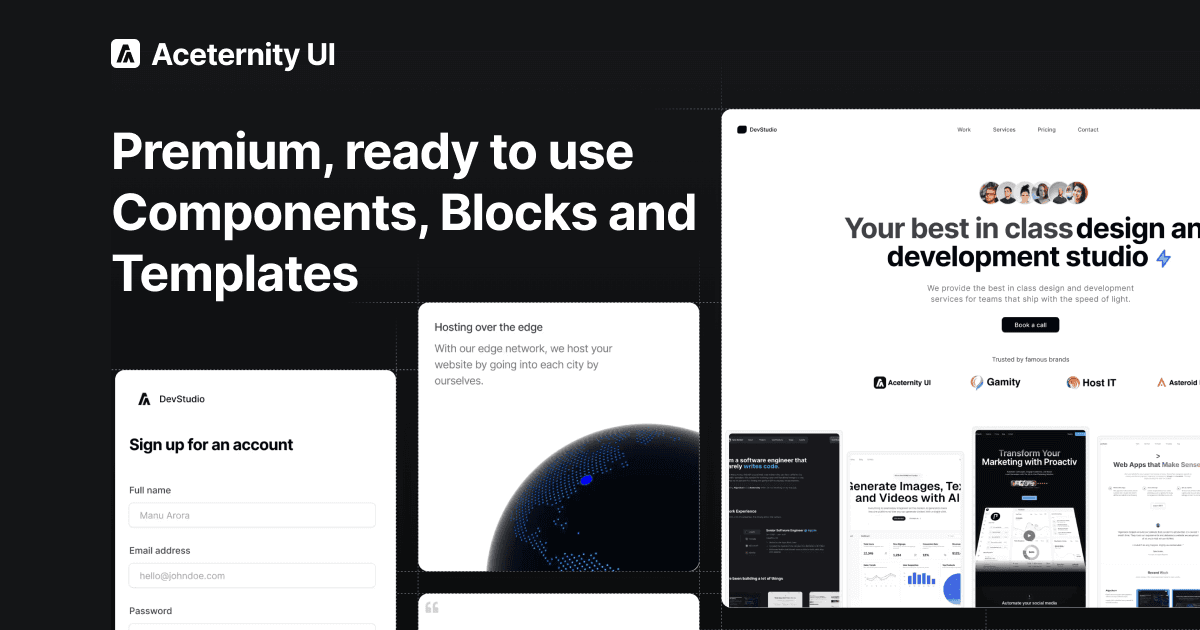
Aceternity UI
ui.aceternity.com
Copy-paste beautiful UI components built with React, Next.js, Tailwind CSS, and Framer Motion. 200+ free components, blocks, and templates.
Web-design·Free Components: Free
Jul 2026Visit
Componentry
componentry.dev
Beautiful, animated, copy-paste React UI components built with Tailwind CSS, TypeScript, and Framer Motion. Free and open-source.
Web-design·0$
Jul 2026Visit
Ready to try Vibe UI?
We tested Vibe UI so you can decide with confidence before signing up.
Visit Vibe UI
Some links are affiliate links. We may earn a commission at no extra cost to you.